
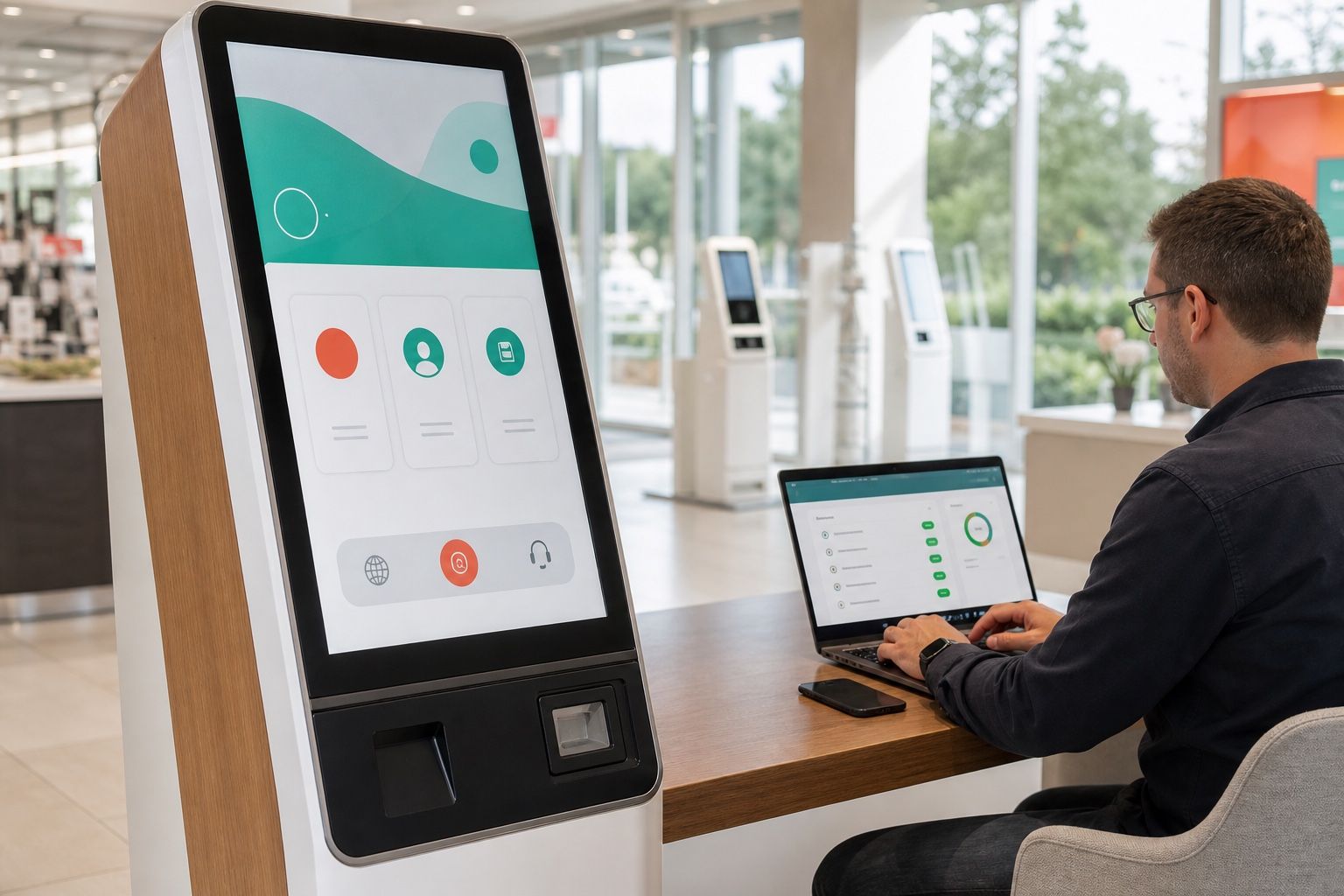
FydeOS v23 adds compatible private Android APKs to the application options available for FydeOS Kiosk. On supported enterprise devices, IT teams can upload an approved APK, assign it as the Kiosk auto-launch app and manage the device through FydeOS Management Cloud.
For organisations whose frontline workflow already exists as a compatible private Android app, this removes the need to rebuild the experience as a website before evaluating FydeOS. A Kiosk-configured device can launch the approved app automatically and remain centrally managed as part of a kiosk fleet.
What Android Kiosk adds to FydeOS v23
This gives teams with an existing APK a direct evaluation path while retaining FydeOS Kiosk's device restrictions and central policy management.
Administrators can:
- upload an approved private APK to FydeOS Management Cloud;
- add the private Android app to a Kiosk policy;
- select it as the device's auto-launch app;
- apply the configuration to the relevant organisational unit;
- manage operating system policies and device status centrally.
The result is a purpose-built terminal that launches the approved Android app automatically without exposing a general-purpose desktop to the end user.
Web Kiosk or Android Kiosk?
Both models use a controlled, single-purpose device, but they fit different application estates.
| Deployment model | Good fit | Points to validate |
|---|---|---|
| Website or web app | Browser-based check-in, forms, dashboards, catalogues and digital services | Network dependency, certificates, browser permissions, offline behaviour and URL policy |
| Chrome app | Existing packaged Chrome workloads that remain part of an approved deployment | Package lifecycle, platform support and update ownership |
| Private Android app | Existing APK-based point-of-service, queue, logistics, education, healthcare or industrial workflows | Android permissions, app architecture, peripherals, offline behaviour, updates and recovery |
Android Kiosk does not replace the web model. It gives IT teams another path when the production workflow is already delivered as a compatible private Android app.
How to deploy a private Android app in Kiosk mode
The management workflow is designed for controlled enterprise software rather than an open consumer app store.
- Validate the target device. Confirm that the selected FydeOS v23 image and hardware model support fyDroid, then verify the required app functions and confirm that each peripheral works as intended.
- Prepare the production APK. Record its version, signature, permissions, network endpoints and update owner.
- Upload the APK. Add the package to Private Android Apps in FydeOS Management Cloud.
- Add it to the Kiosk policy. Open Kiosk > Apps and choose Add Android kiosk from private apps.
- Set auto-launch. Select the Android app as the Kiosk auto-launch app for the intended organisational unit.
- Apply supported Kiosk settings. Configure settings required by the service, such as URL controls, virtual keyboard options, troubleshooting shortcuts, power and screen behaviour, accessibility and input methods. Validate network and peripheral behaviour separately.
- Run a field pilot. Test restart recovery, app failure, network loss and peripheral disconnects. Where remote support is included in the deployment plan, also verify the remote-support workflow.
The current configuration path is documented in the FydeOS Enterprise Kiosk guide.
Where Android Kiosk can help
Android Kiosk is particularly useful where an organisation already owns or commissions a dedicated Android app:
- Retail and hospitality: ordering, loyalty, product lookup and assisted-service terminals;
- Transport and logistics: check-in, dispatch, scanning and warehouse task stations;
- Healthcare: reception, appointment check-in and controlled information terminals;
- Education: assessment, library, classroom and shared learning applications;
- Industrial operations: work instructions, data capture and equipment-side interfaces;
- Public services: queue management, registration, wayfinding and document workflows.
The value is not simply that an Android app can open. A viable deployment must also keep the correct app running, restrict access to the underlying system, deliver policy consistently and give support teams a practical recovery path.
What to test before rollout
Android compatibility varies by device, image, APK and peripheral combination. Treat the first deployment as an acceptance test, not a demonstration.
Verify at least the following:
- the app installs, starts automatically and returns after a device restart;
- required Android permissions can be granted without exposing system settings;
- scanners, printers, cameras, touchscreens, audio devices and other peripherals work in the production workflow;
- the app behaves correctly when the network is slow or unavailable;
- where remote support is included in the deployment plan, an app crash or stalled session can be recovered without a site visit;
- application and FydeOS updates can be staged on test devices before fleet rollout;
- the support team understands the procedures for remote monitoring, log collection, restart and recovery that are available under the selected deployment plan.
FydeOS v23 uses the new Android 13-based fyDroid subsystem, but availability and hardware acceleration still depend on the device and FydeOS image. A successful pilot should produce an approved hardware matrix, APK version, policy set and recovery runbook.
Frequently asked questions
Can every Android APK run in FydeOS Kiosk?
No universal compatibility guarantee is possible. App architecture, Android APIs, device drivers, permissions, dependencies on Google services and peripherals can all affect compatibility. Test the production APK on the exact hardware and FydeOS v23 image intended for deployment.
Is the app installed from Google Play?
The enterprise Android Kiosk workflow described here uses an approved private APK uploaded to FydeOS Management Cloud. It should not be treated as an open Google Play deployment.
Can the Android app launch automatically after a restart?
Yes, on a supported deployment the approved private Android app can be selected as the Kiosk auto-launch app. Restart and failure recovery should still be verified during the pilot.
Which FydeOS plan is required?
For eligible devices, Android Kiosk is available through Kiosk or Enterprise deployments. Confirm licence eligibility, the target image, hardware compatibility and support scope with FydeOS before procurement or fleet conversion.
Plan an Android Kiosk pilot
Start with one production APK, one representative hardware model and the production peripheral set. Define pass criteria for automatic launch, security, offline behaviour, updates, and the monitoring and recovery capabilities available in the selected deployment plan before expanding the deployment.
Explore the FydeOS Kiosk solution, review Enterprise pricing or request a trial to evaluate Android Kiosk on your target devices. For the wider platform changes, see Introducing FydeOS v23.