 Web, Android and Linux apps
  Web or Android kiosk auto-launch
  Share devices without personal accounts
  Central policy, monitoring and remote support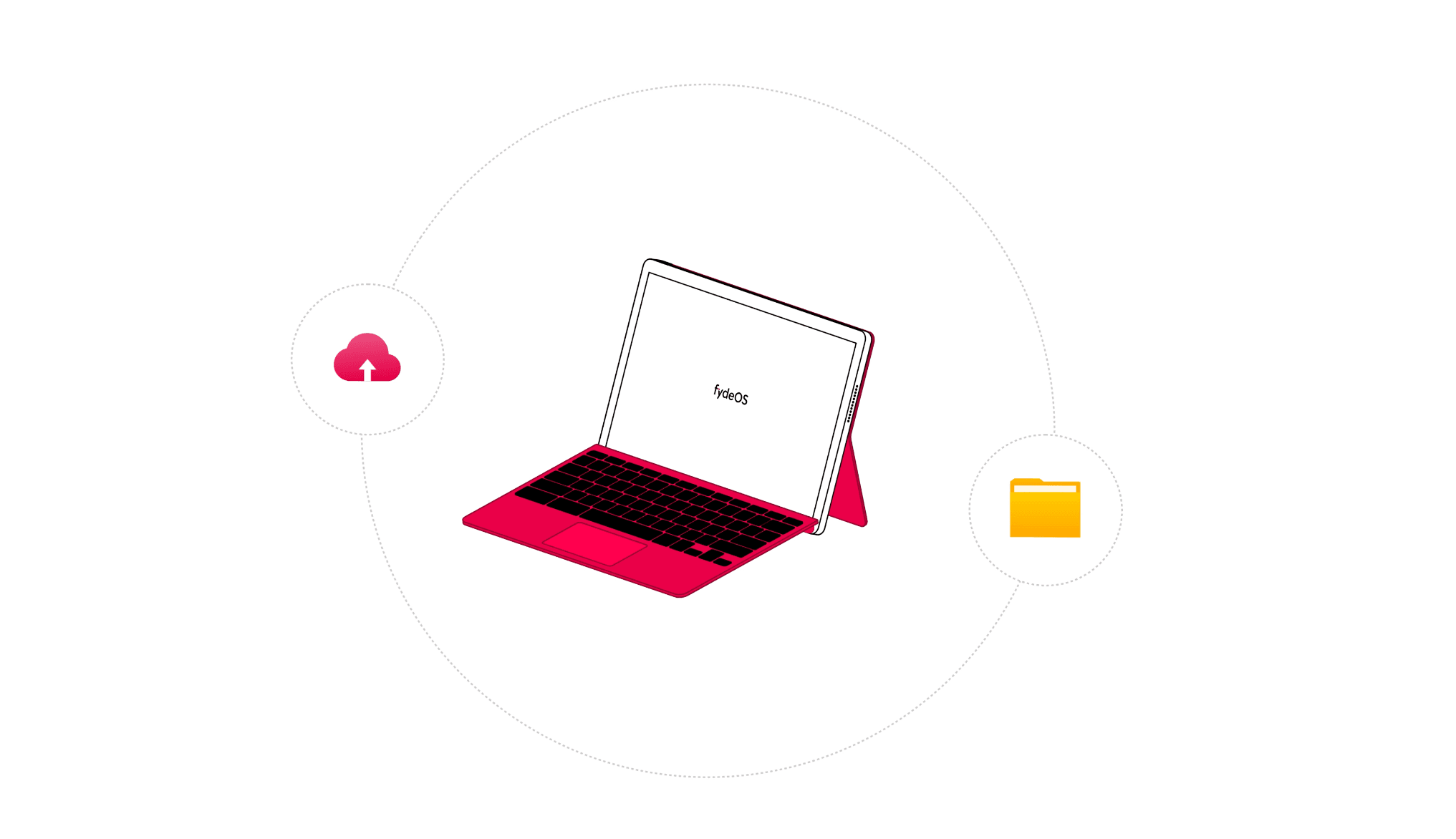
 FydeOS v23 introduces the new Android 13-based fyDroid subsystem on supported devices, so compatible Android apps can run alongside web and Linux workloads.
 Upload an approved private APK to FydeOS Management Cloud and set it as the Kiosk auto-launch app. Existing Android workflows do not have to be rebuilt as websites before a pilot.
 Google states that ChromeOS Flex does not support general Android apps. For organisations that need to retain Android workflows, FydeOS provides a more direct evaluation path on supported hardware.


Give staff, teachers and students a managed desktop for compatible web, Android and Linux apps on supported hardware.
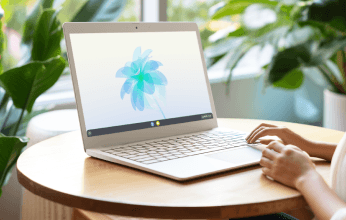

Use managed guest sessions in libraries, labs, reception areas and shift-based roles, with policy for apps, websites, session length and data handling.


Start directly in an approved website or private Android app, hide the general-purpose desktop and monitor the device through Management Cloud.
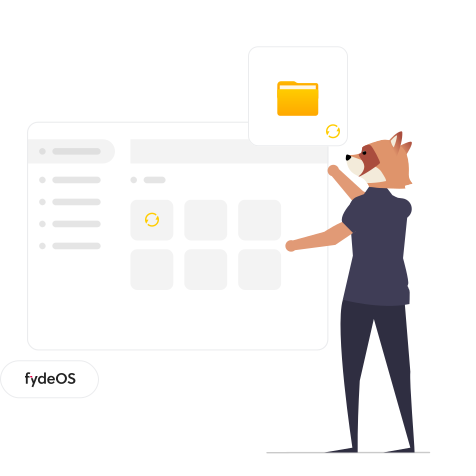
 Google states that it does not support installing ChromeOS Flex on ChromeOS devices that no longer receive automatic updates. FydeOS can be evaluated on selected Chromebook models, with device-specific adaptation and deployment support available after technical assessment.
 Preserve the value of ChromeOS Education Upgrades already assigned to those Chromebooks. On compatible devices running managed FydeOS, organisations can continue to apply existing Google enterprise policies through the Google Admin console. Eligibility depends on the upgrade type, domain configuration and technical assessment.
 Allocate older PCs and Chromebooks by capability: managed workstation, shared device or kiosk. Validate the exact hardware, applications, peripherals, network and recovery workflow on representative devices before a phased rollout.
 Generate preconfigured enrolment images with the organisation, licence, network and first-boot options already selected, making batch deployment more consistent.
 Use organisational units to apply device, user, browser, app, managed guest session and Kiosk policies; manage web apps, extensions and private Android apps from one console.
 Review fleet status, OS and browser versions and policy sync; use Remote Desktop and authorised actions to disable devices, clear user profiles, factory-reset or deprovision them.
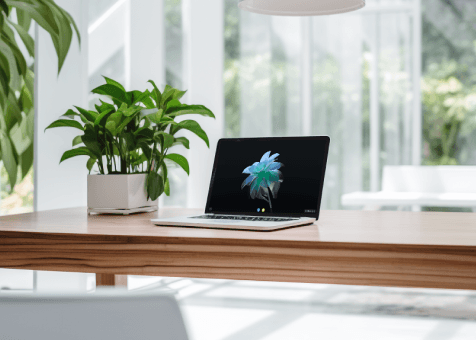
FydeOS lets one hardware pool serve different jobs. Choose the role each device should play, then apply the applications, session model and management policy that role needs.
Use compatible web, Android and Linux applications for everyday work and learning.
Offer a policy-controlled workspace without giving every visitor a personal account.
Auto-launch an approved private Android app for a controlled single-purpose workflow.
Auto-launch a website or web app for check-in, service, signage or assessment.
Join a global community of more than 3 million FydeOS users.
Start with the real hardware, applications, peripherals and policies your organisation depends on, then expand only after the workflow is proven.












 Complete desktop environmentCompatible web, Android and Linux appsAutomatic system updatesBasic device inventoryStandard technical support
 Web or private Android app auto-launchLocked-down single-purpose environmentPrivate Android app managementFleet status monitoringRemote Desktop and device actions
 Everything in BasicOrganisational units and policy inheritanceManaged guest sessionsApplication and extension managementRemote Desktop and device actions
 Everything in Business+Cloud or on-premises deploymentCustom OS images and brandingDevice-specific adaptationPriority technical supportRetain compatible Android workflowsDeploy shared device sessionsBuild web or Android kiosksManage policy and support devices remotely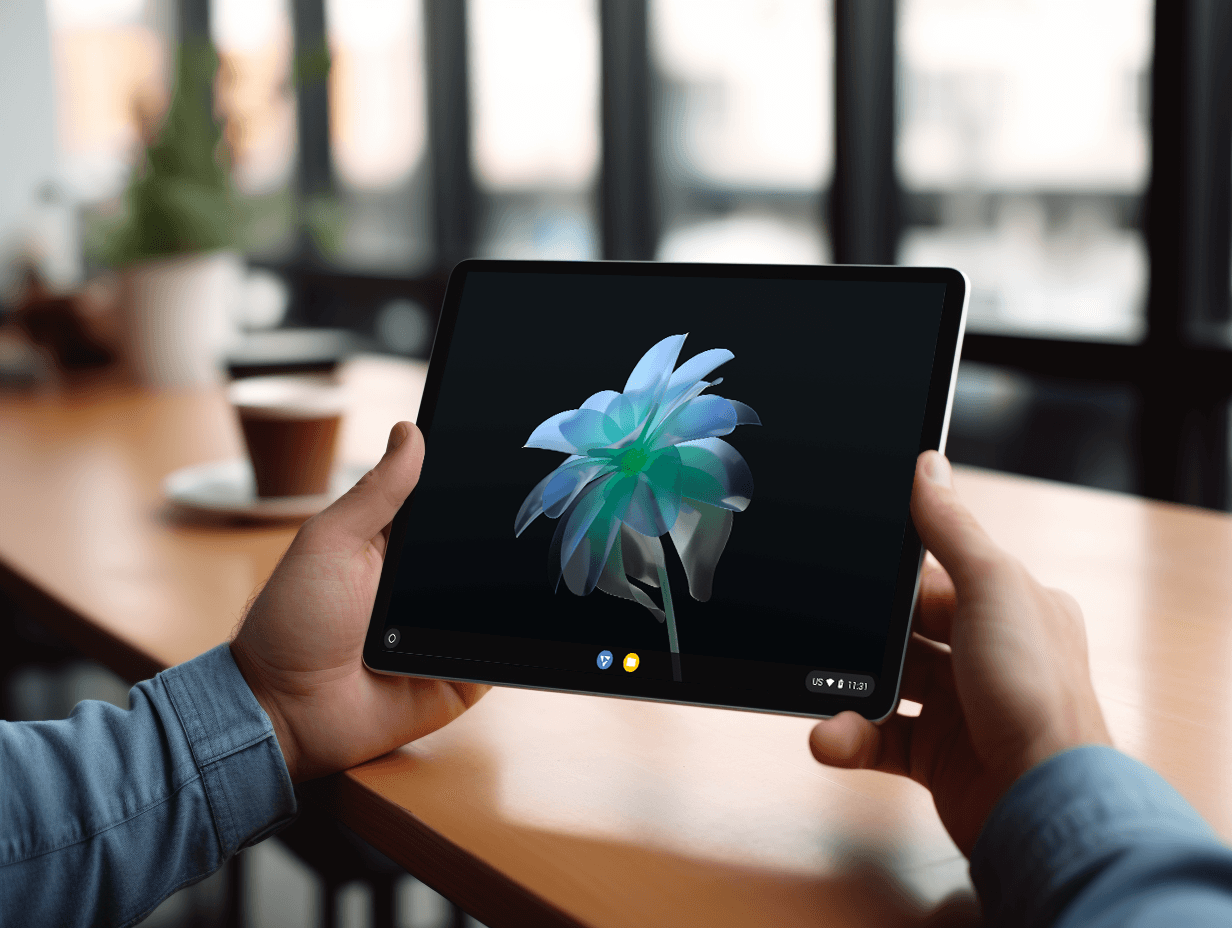
We use cookies to improve your browsing experience on our website, to analyse our website traffic, and to understand where our visitors are coming from.
