Give your old Chromebook
a new life with FydeOS.

ChromeOS updates may have ended, but your Chromebooks can still be useful in class. FydeOS gives teachers and students a familiar desktop on compatible models. Try it on one of your older devices.

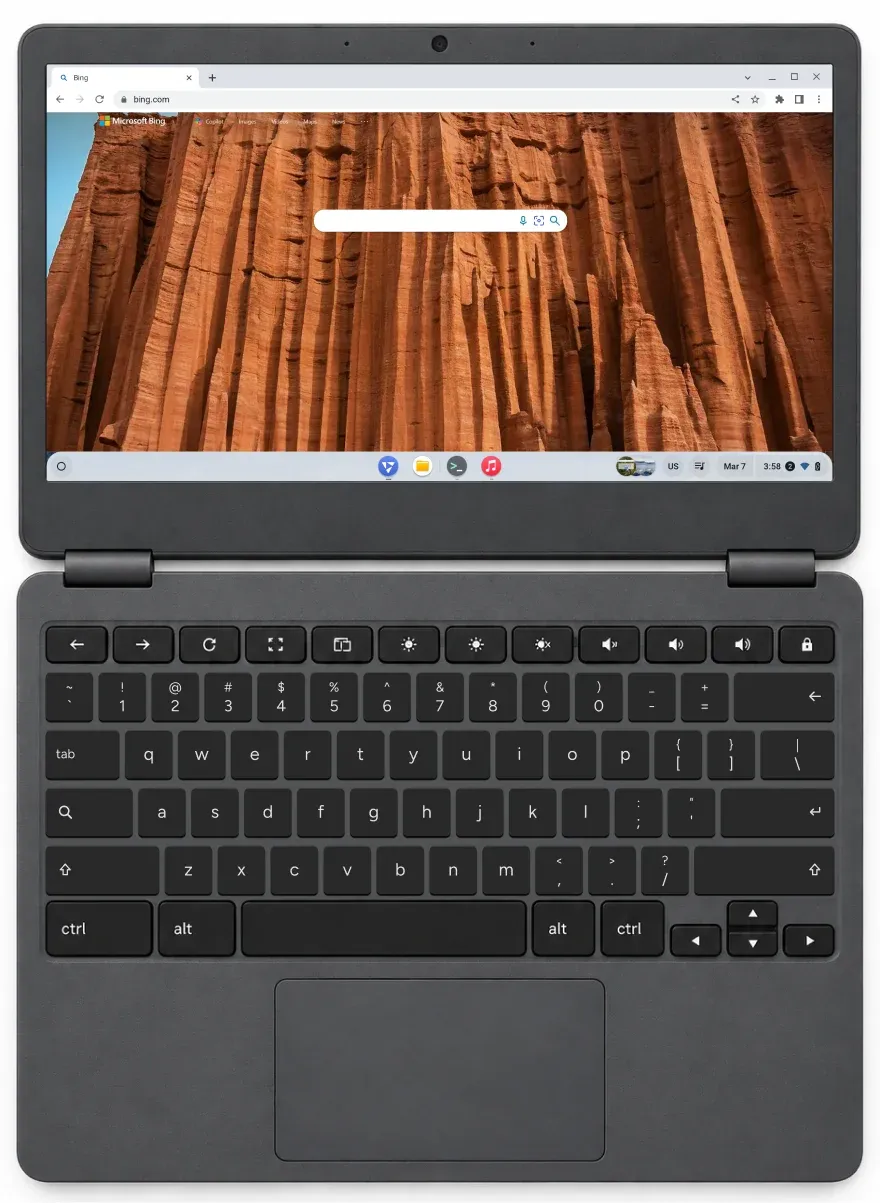
An older Chromebook running FydeOS

Keep using your existing Google management licences

An eligible Chromebook running managed FydeOS can still use the Chrome Education Upgrade already assigned to that device. Check your licence and school account settings before rollout.

Ontario, Canada

Can retired Chromebooks still work in your school?

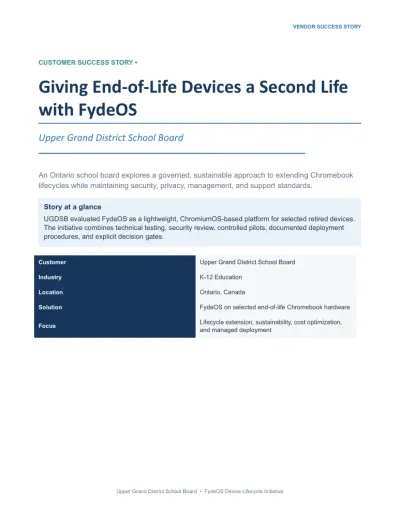
Cover of the UGDSB customer story

Customer story

Upper Grand District School Board

The board tested FydeOS on selected retired Chromebooks. After a security review, the team confirmed that the Google management policies it tested still worked on those devices with FydeOS installed.

Read the UGDSB case study

Pilot checklist

What changes when you switch from ChromeOS?

  1. 01

    Keep the apps people rely on

    A browser may cover email and documents, but what about the Android app a class uses every day? ChromeOS Flex does not support general Android apps.


    In the pilot

    On a supported FydeOS device, try the actual app — sign-in, sound and touch — before choosing an image for the whole class.

  2. 02

    Give a shared device one job

    A Chromebook from a trolley could become a library catalogue or a reception check-in screen. A FydeOS kiosk can launch a website or a compatible private Android app on supported hardware.


    In the pilot

    Restart the device and check that it returns to the right screen without staff signing in.

  3. 03

    Compare three years, not just the licence

    Price two options for the same number of working seats: replace the Chromebooks, or reuse the ones that pass your tests. Include licences, batteries, installation time and ongoing support on both sides.


    In the pilot

    Use the time you measure on the first few devices, not a promised saving.

Read the full FydeOS vs ChromeOS comparison

Start with one Chromebook.

Try sign-in, Wi-Fi and your everyday apps on a representative device. Apply for a free enterprise trial of up to 30 days.

Apply for a free trial

We use cookies to improve your browsing experience on our website, to analyse our website traffic, and to understand where our visitors are coming from.