
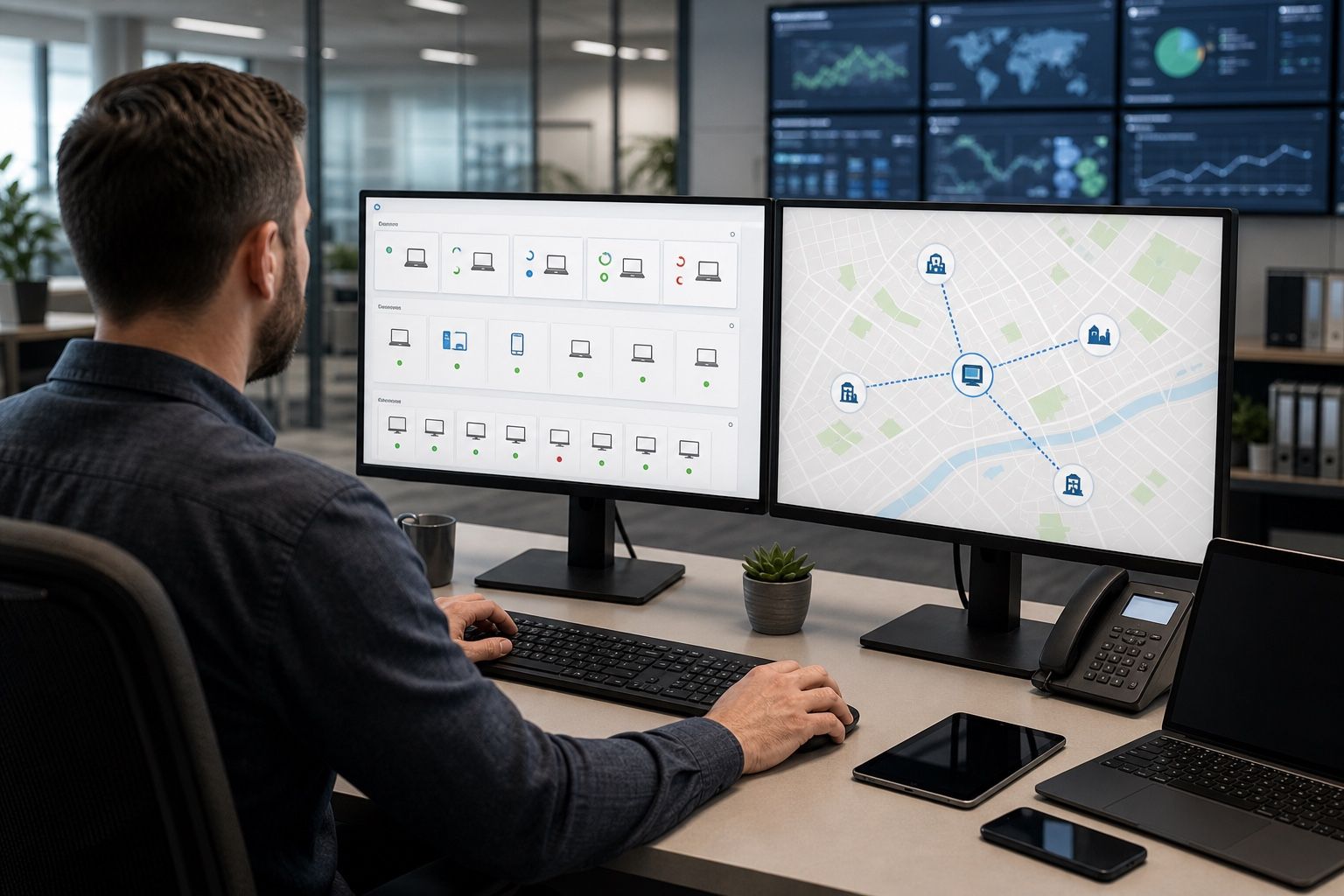
Remote device management is not the same as having a remote desktop button. A distributed fleet needs an operating model that tells the organisation what each device should look like, how a problem is detected, who may investigate it and when a local intervention is required.
FydeOS Management Cloud provides a central place to manage devices, users, applications and policies. The value of those controls depends on the process built around them.
1. Make the device record operationally useful
Every managed device should be identifiable without asking the user to read a serial number from an inaccessible label. Establish a naming convention and record:
- physical location and local contact;
- device model and ownership;
- organisational unit or policy group;
- assigned workload and service hours;
- system, application and peripheral baseline;
- support entitlement and replacement path;
- last verified state and open incidents.
Naming pattern: site-workload-asset number; for example, LON-KIOSK-023.
The inventory should help a service desk decide what to do next, not simply satisfy an asset-counting exercise.
2. Group devices by how they are operated
Geography is useful, but it is rarely the only grouping that matters. A kiosk in London may need the same policy as a kiosk in Manchester, while a training-room laptop in the same building has a different session model.
Common grouping dimensions include:
- workload: employee, shared, classroom, signage or kiosk;
- location and network environment;
- hardware model or peripheral bundle;
- business owner;
- update ring: test, canary and production;
- support criticality.
Keep policy inheritance understandable. A device should not receive conflicting settings from a group structure that nobody can explain.
3. Separate desired state from observed state
The console records what an administrator intends to configure. Operations also need to confirm what the endpoint is actually doing.
For a representative sample and after material changes, verify:
- the device is enrolled in the correct organisation;
- the expected user, browser, application and network policies are effective;
- required applications and extensions are present;
- the current system version matches the approved update ring;
- the device can reach required services;
- the intended local or guest session starts correctly.
Policy propagation can take time. Record when a change was saved and when it was confirmed on a device.
4. Use a diagnostic ladder
A good remote-support runbook moves from low-impact checks to higher-impact actions.
- Confirm scope: one user, one device, one site or the whole fleet?
- Check dependencies: identity, DNS, network, certificates, application backend and licences.
- Compare the baseline: policy group, system version, application version and peripherals.
- Collect evidence: timestamps, screenshots where authorised, logs and exact error messages.
- Apply the smallest recovery action: refresh the application, reapply a policy or restart only when appropriate.
- Use remote access when justified: follow organisational approval and privacy rules.
- Escalate locally: provide a safe, specific action to the site contact.
- Replace or recover: use a documented enrolment and reassignment process.
Remote Desktop is one tool within this ladder, not the first answer to every incident. See the current device management documentation for available workflows.
Use one incident record across sites:
| Device ID | Site | Observed state | Expected baseline | Last change | Evidence | Remote action | Local action | Outcome |
|---|---|---|---|---|---|---|---|---|
5. Define privacy and authorisation before remote access
Remote support may expose user activity or business data. Decide in advance:
- which roles may initiate a session;
- whether user or site approval is required;
- when unattended access is permitted;
- how actions are recorded;
- what information must not be captured;
- how third-party support staff are controlled.
The management tool does not replace the organisation's privacy, employment, security or regulatory obligations.
6. Operate updates through rings
Create at least three update groups:
- Test: IT-owned devices used to validate system and policy changes.
- Canary: a small, representative production group.
- Production: the wider fleet after acceptance criteria pass.
An update check should include sign-in, network, critical applications, peripherals, restart and recovery. Keep a stop condition and avoid changing system version, application configuration and major network policy simultaneously unless the combined change is itself being tested.
7. Prepare for offline and replacement scenarios
Remote management cannot repair a device that has no power, no network or failed hardware. Every site needs a minimum local playbook covering power, cables, network checks and safe restart. Critical locations may also need a spare device that can be enrolled and placed into service through a known process.
For reassignment or disposal, define how data is backed up where required, how the device is erased and how it is removed from management and licensing records.
8. Measure the support system
Useful operational measures include:
| Measure | What it reveals |
|---|---|
| Time to detect | Whether monitoring and reporting identify problems quickly enough |
| Time to diagnose | Whether inventory, baselines and evidence are sufficient |
| Time to restore | Whether the recovery path meets the service need |
| Remote resolution rate | Which incidents can be handled without travel |
| Repeat incident rate | Whether root causes are being removed |
| Policy exception count | Whether the fleet is becoming difficult to maintain |
Use these measures to improve the runbook rather than to conceal difficult incidents.
Remote operations checklist
- Device naming, location and ownership are consistent.
- Policy groups match workloads and update rings.
- Desired and observed state are checked after changes.
- The service desk follows a written diagnostic ladder.
- Remote access roles and privacy controls are approved.
- Test, canary and production update groups exist.
- Each site has a safe local action and replacement path.
- Support measures are reviewed for recurring causes.
Run a remote-incident exercise
Define enrolment and rollout ownership first with the FydeOS Enterprise deployment guide.
Include service-desk staff and a representative remote location in your FydeOS Enterprise pilot. A fleet is ready to scale when the team can diagnose and recover a realistic failure, not merely when every device appears online.