

 Made for FydeOS
 FydeOS AI
 FydeDrop
 FydeOS Remote Desktop
 openFyde
 FydeOS Account
 FydeOS Design
 FydeOS Notes
 FydeSign
 Community
 Discord Server
 Telegram Group
 X
X YouTube
 /r/FydeOS
 GitHub
 Huggingface
 Business Contact
You have just installed FydeOS. Everything looks clean, fast, unfamiliar. Your first instinct? Google "best antivirus for FydeOS."
Your second instinct? Look for the C:\ drive.
Your third? Try to download a .exe file.
None of these will work. And that is not because something is broken. It is because you have just moved to a completely different country, and you are still looking for the shops from your old neighbourhood. They are not here. But what is here might surprise you.
If you are coming from Windows — or, to a lesser extent, macOS — the first few days with FydeOS can feel like things are missing. Features you relied on, rituals you performed, folders you expected. This guide is not going to teach you where to click. It is going to help you recognise the invisible habits you carried over from your old OS, and understand why you can finally put them down.
The Install Ritual
On Windows, getting a new piece of software is a journey. You find a website. You locate the download button (dodging three fake ones along the way). You run the .exe. You click "Next" four times. You untick the box that tries to install a bonus toolbar. You wait. You reboot. You hope nothing went wrong.
You have probably done this hundreds of times. It feels so normal that you do not even think of it as friction. But it is.
On FydeOS, most of the tools you need are already running in your browser. Google Docs, Notion, Figma, Spotify — you open a tab and you are working. No install. No update prompts. No compatibility warnings.
For everything else, the Android subsystem gives you a tap-to-install app store, and the Linux subsystem gives you a terminal where sudo apt install gimp does in five seconds what would take five minutes on Windows. If you want to understand how these three layers work together and when to use which, we covered that in detail in FydeOS 101: Web, Android, or Linux? Choosing the Right App for the Job.
The key shift is this: on Windows, you prepared your computer before you could work. On FydeOS, you just work.
Maintenance Day
Windows users know the drill. Once in a while — maybe once a month, maybe after your laptop starts sounding like a jet engine — you run the checklist. Antivirus scan. Disk cleanup. Defragmenter. Clear the temp files. Uninstall the programmes you forgot you had. Check if a driver needs updating. Pray.
On macOS, the rituals are fewer, but they exist: clearing caches, managing storage, occasionally wrestling with permissions.
FydeOS does not have maintenance day. This is not laziness. It is architecture.
The system partition is read-only — software cannot tamper with the core OS files, which means viruses have nowhere to hide. Every app runs in its own sandbox, so even if an Android app misbehaves, it cannot touch your browser data or your Linux files. There is no registry to corrupt. There is no temp folder slowly swallowing your hard drive.
You do not need an antivirus because the system was designed so that viruses cannot operate the way they do on Windows. You do not need to "clean up" because there is nothing accumulating in the background.
The computer just... stays fast. It sounds too good to be true if you have spent years fighting Windows rot. But this is genuinely how it works.
The Sacred File Tree
If you have used Windows for any length of time, you probably have a mental map of your files. C:\Users\Me\Documents\Work\Project. Maybe a D:\ drive for media. Maybe an external hard drive for backups. Your files live on your machine, and if that machine dies, so do your files.
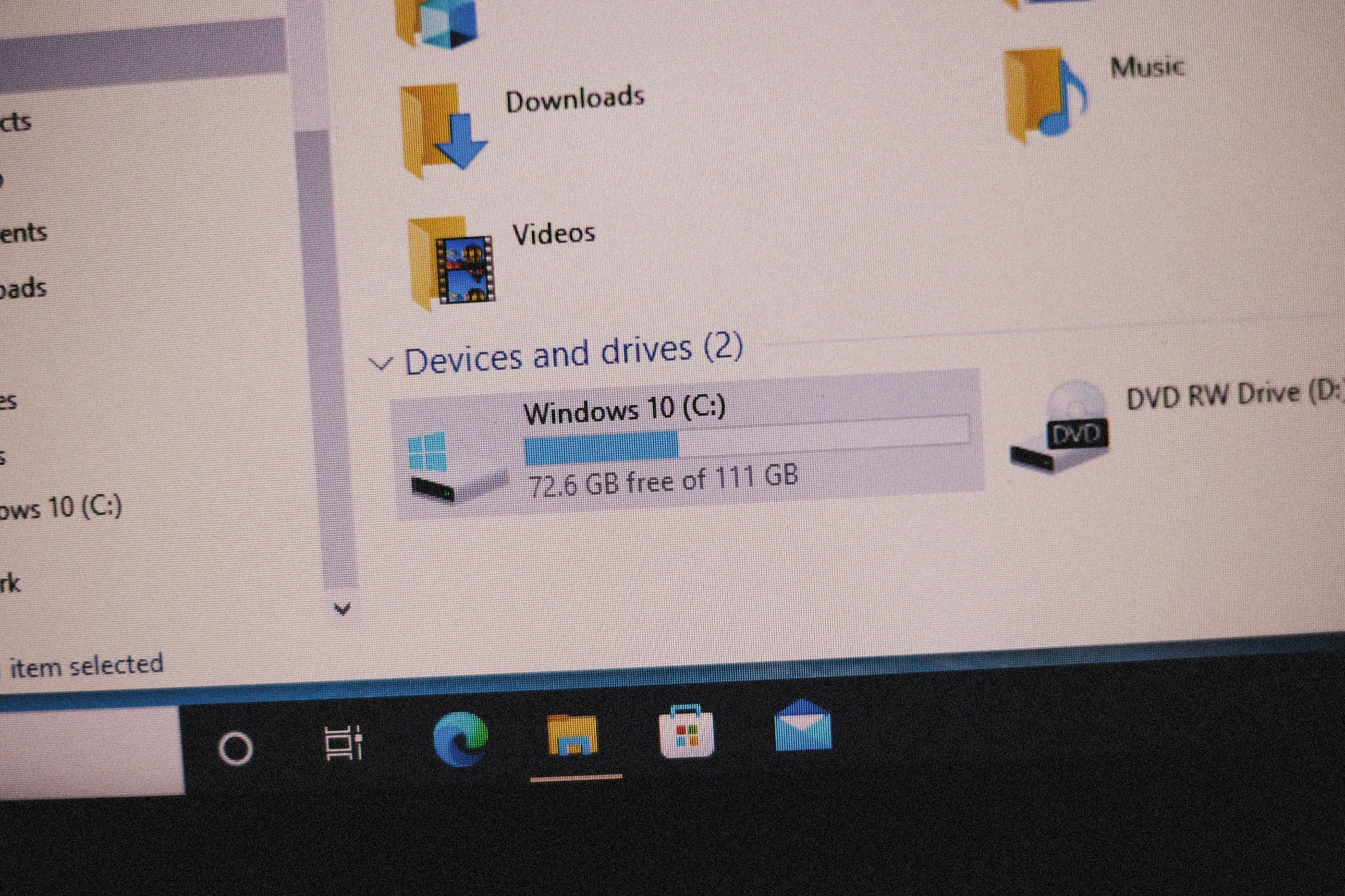
FydeOS thinks about files differently. Your documents live in the cloud by default — Google Drive, OneDrive, or whichever service you prefer. The Files app on FydeOS does not pretend everything is in one giant tree. Instead, it connects your cloud storage, your local Downloads folder, your Linux home directory, and your Android storage side by side.
The good news is that these spaces are not as isolated as they might seem. Android apps share the same Downloads folder as your browser, so a PDF you download from a webpage is immediately available in your Android file manager. For Linux, you can share specific folders from the Files app to your Linux container through Settings — they will appear under /mnt/chromeos in the terminal, giving your Linux apps direct access to the files you need.
Once the mental model clicks, something remarkable happens: you stop worrying about your hard drive. Your laptop could fall in a river tomorrow, and you would lose almost nothing. Log in on a new device, and your world comes back. That is not a trade-off. That is an upgrade.
Fear the Update
Everyone has a Windows update horror story. The laptop that restarted mid-presentation. The update took forty-five minutes. The one that broke the printer driver. The ominous message: "Do not turn off your computer."
These experiences leave scars. Many people actively avoid updating their machines, which ironically makes them less secure. It is a lose-lose cycle.
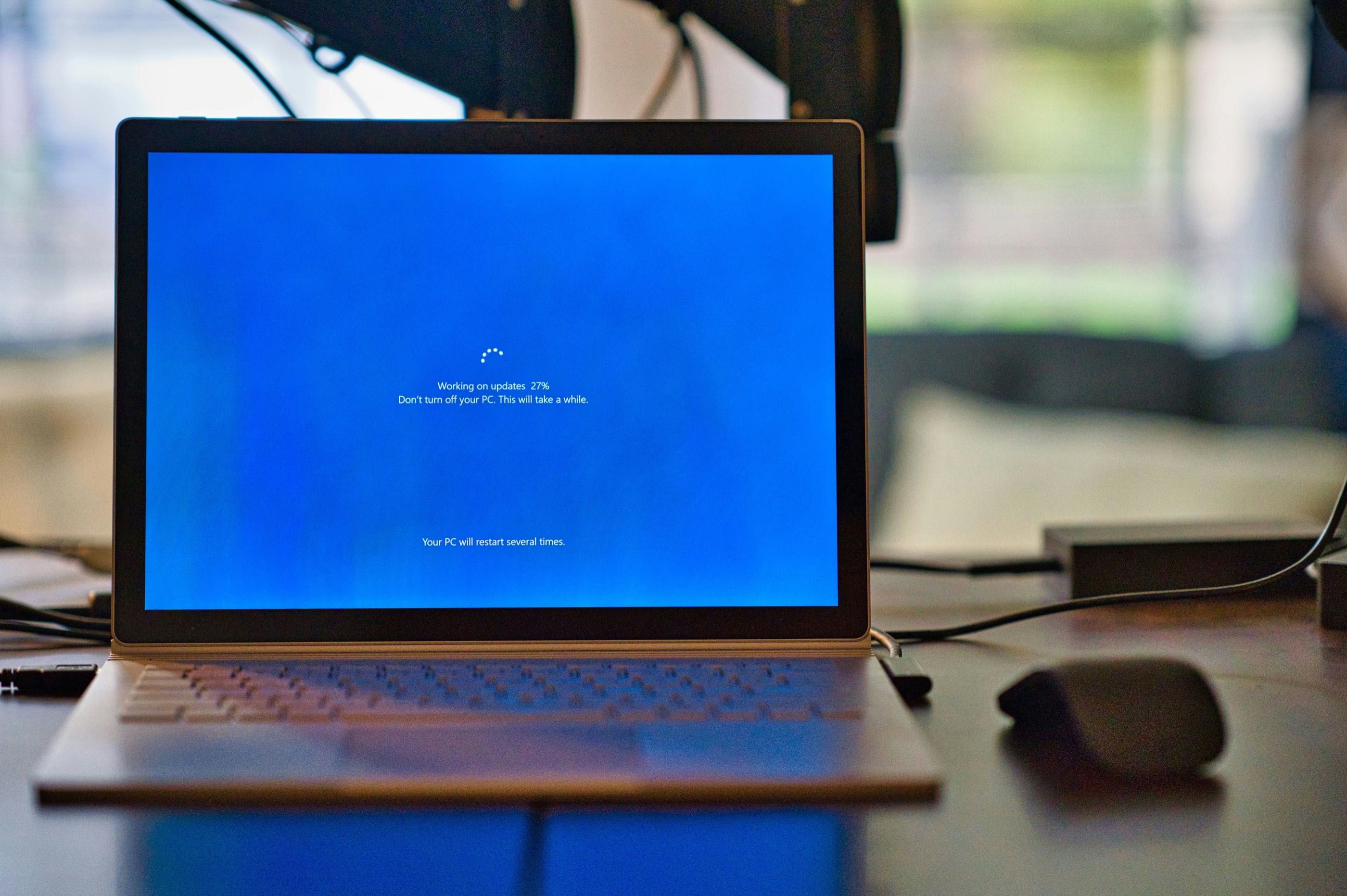
FydeOS uses an A/B update system that you will probably never notice. Here is how it works: your system has two partitions. You are running on partition A. When an update arrives, it downloads and installs itself onto partition B — entirely in the background, while you continue working. Next time you restart (whenever you choose to), the system boots from the updated partition B. If anything went wrong, it simply rolls back to partition A. No risk. No waiting. No crossed fingers.
This is not a new or experimental idea — it is the same approach used by ChromeOS and Android. But if you are coming from Windows, it might feel like magic. Updates go from being an event you dread to something you simply never think about.
So What Can't I Do?
Let us be honest. FydeOS is not trying to pretend it replaces every Windows workflow. If your job depends on AutoCAD, or a specific Windows-only accounting package, or a plugin that only runs in Internet Explorer (they still exist, somehow) — FydeOS is not going to fake its way through that.
But here is the question worth sitting with: how much of what you did on Windows did you actually need Windows for?
Email. Documents. Spreadsheets. Video calls. Browsing. Streaming. Note-taking. Chat. Photo editing. Even coding. All of this runs beautifully on FydeOS — through the browser, or Android apps, or Linux tools. Most people discover, once they honestly audit their daily habits, that their dependence on Windows was more emotional than practical. It was familiar, and familiar felt necessary.
If you do have genuine Windows-only needs, you can always dual-boot — keep Windows on a separate partition for the rare occasions you truly need it, and run FydeOS for everything else. FydeOS does not ask you to burn your bridges. It just invites you to notice how rarely you actually need to cross them.
The Lightness of Letting Go
Here is what nobody tells you about switching to FydeOS: the best part is not any single feature. It is the absence of anxiety.
No antivirus notifications. No update countdowns. No mystery processes eating your RAM. No thirty-second boot staring at a loading spinner. You press the power button, the screen appears, and you start doing whatever you came to do.
Your operating system becomes boring. Invisible. Forgettable. And that, paradoxically, is the highest compliment a piece of technology can receive.
Remember the person at the beginning of this article, Googling "best antivirus for FydeOS"? The answer is: you do not need one. And the fact that you do not need one is not a missing feature.
That is the entire point.
New to FydeOS? Join our community forum to share your setup and ask questions!