

 Made for FydeOS
 FydeOS AI
 FydeDrop
 FydeOS Remote Desktop
 openFyde
 FydeOS Account
 FydeOS Design
 FydeOS Notes
 FydeSign
 Community
 Discord Server
 Telegram Group
 X
X YouTube
 /r/FydeOS
 GitHub
 Huggingface
 Business Contact
You have just installed FydeOS. The system is running beautifully. You decide to install Spotify. But then you pause.
Do you use the Spotify Web Player? Do you download the Android app? Or do you open the Linux terminal and install the desktop client?
Welcome to the "paradox of choice" in FydeOS. Because our operating system is designed to be the ultimate bridge between platforms, you often have three different ways to do the exact same thing.
If you are coming from Windows or macOS, this might feel a bit confusing. However, once you understand the logic, this becomes FydeOS's greatest superpower. It's like having a Swiss Army Knife for your digital life.
In this edition of FydeOS 101, we are going to break down the "Three Universes" of apps on your device, and exactly which one you should use to get the best performance.
Universe 1: The Web (Native Web Apps)
Best for: 90% of your daily tasks, battery life, and speed.
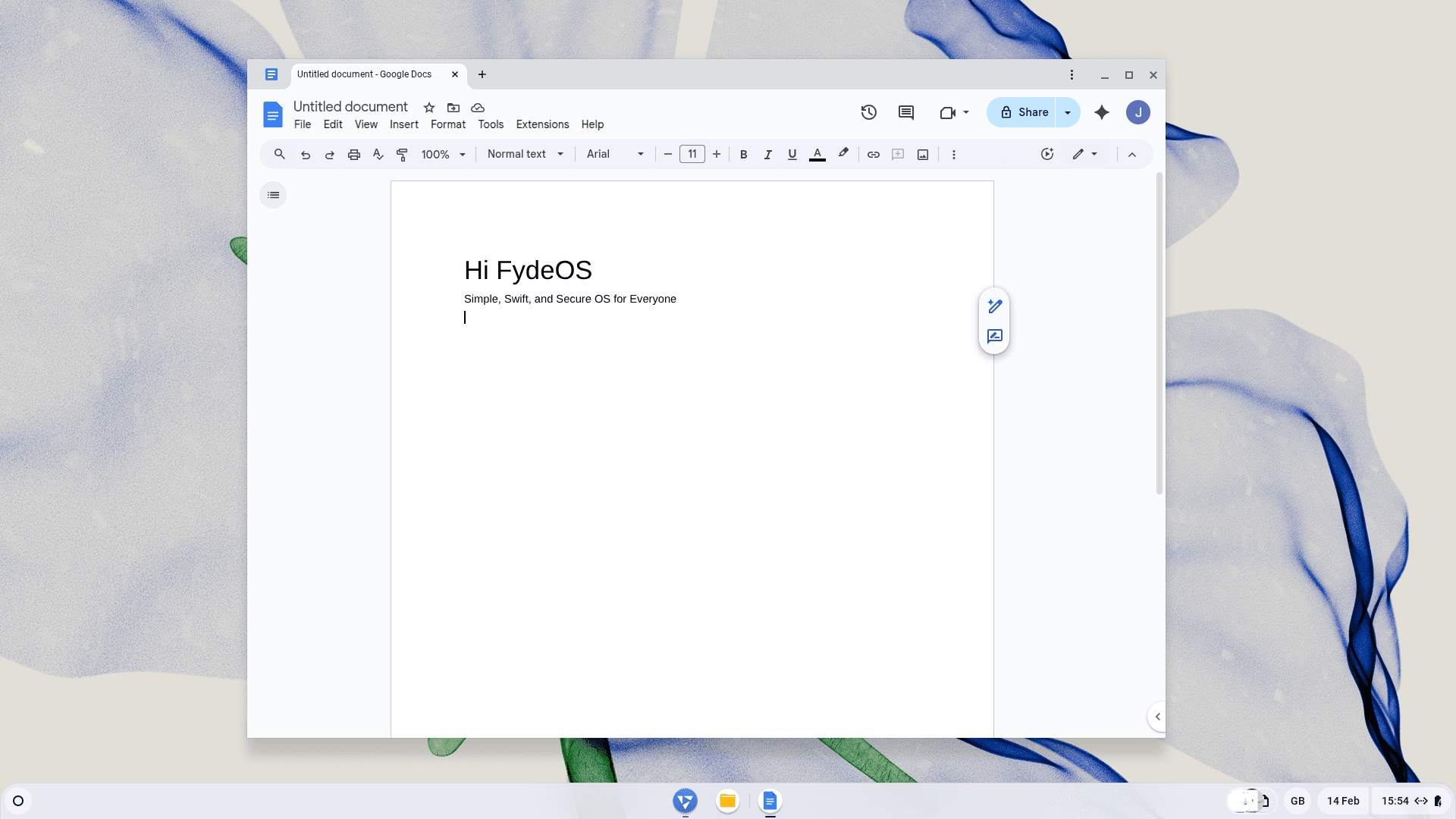
This is the "home turf" of FydeOS. Web apps run natively on the Chromium engine, meaning they are closest to the bare metal of your hardware. They are lightweight, secure, and always up to date.
If you are using an older laptop to reduce e-waste (a core part of our sustainability mission), Web Apps are your best friend. They consume far less RAM and battery power than a heavy .exe file on Windows would.
Pro Tip: You don't need to keep these inside a browser tab. When you are on a site like Notion, Gmail, or YouTube, click the three dots in the browser menu ⋮ > Cast, Save and Share > Install Page as App. Suddenly, that website behaves exactly like a native application on your shelf.
- Use the Web version for: Cloud-based office suites, team collaboration platforms, high-resolution video streaming, and secure online banking.
Universe 2: The Android Subsystem
Best for: Touchscreens, offline content, and mobile-first experiences.
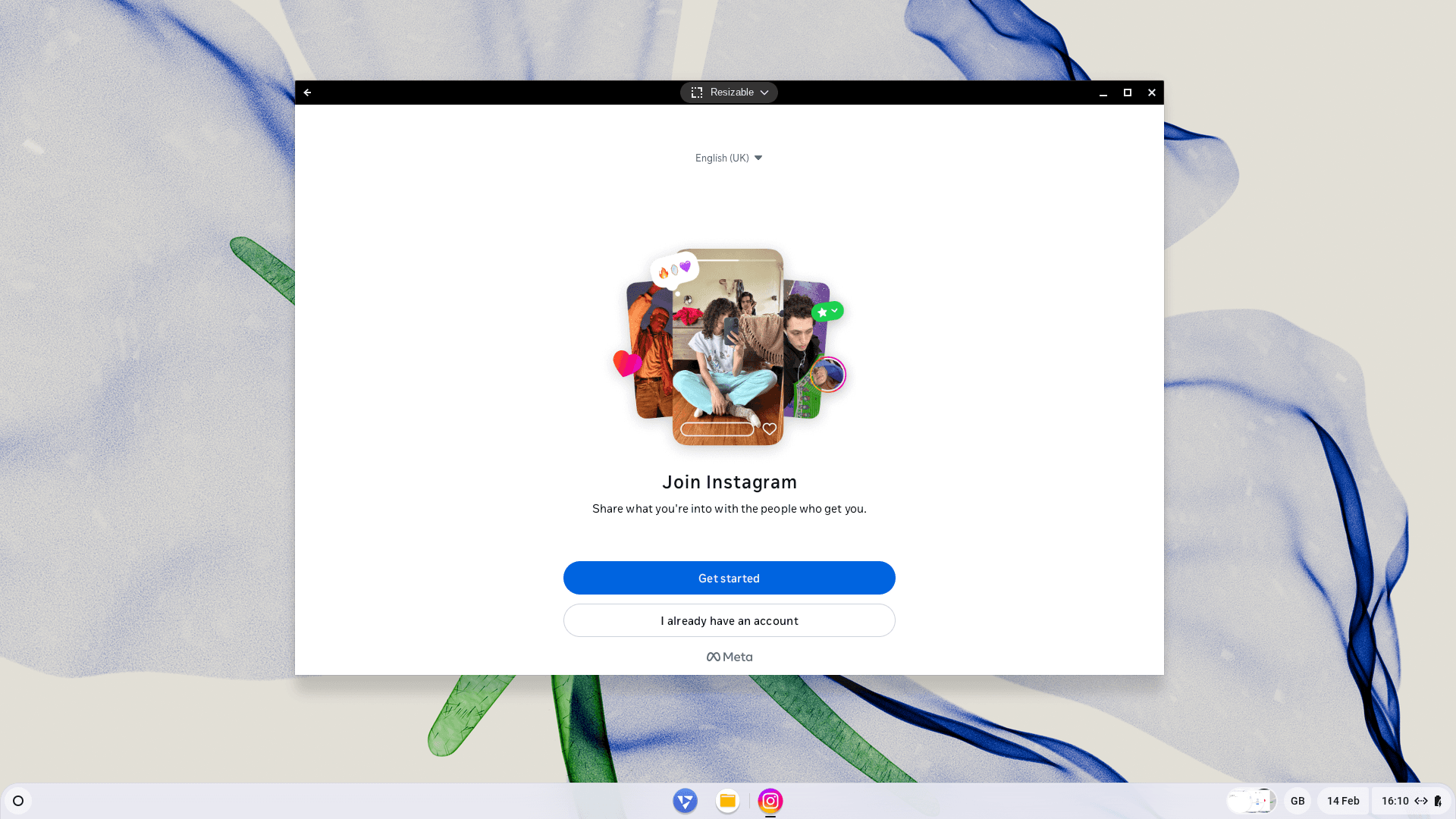
FydeOS includes a fully functioning Android subsystem. This is the "Ecosystem Layer" that fills the gaps the web cannot quite reach yet.
The main advantage here is offline capability. While the Netflix website offers higher resolution streaming, you cannot download films for a flight. The Netflix Android app, however, lets you download content to your heart's content.
Be mindful that most Android apps are designed for phones. While FydeOS does a brilliant job of translating mouse clicks to "taps", these apps often feel best on devices with a touchscreen, such as the Surface Pro series.
- Use the Android version for: Media consumption requiring offline downloads, vertical-scrolling social media, e-reading platforms, and touch-optimised mobile gaming.
Universe 3: The Linux Subsystem (Debian)
Best for: Developers, creators, and power users.
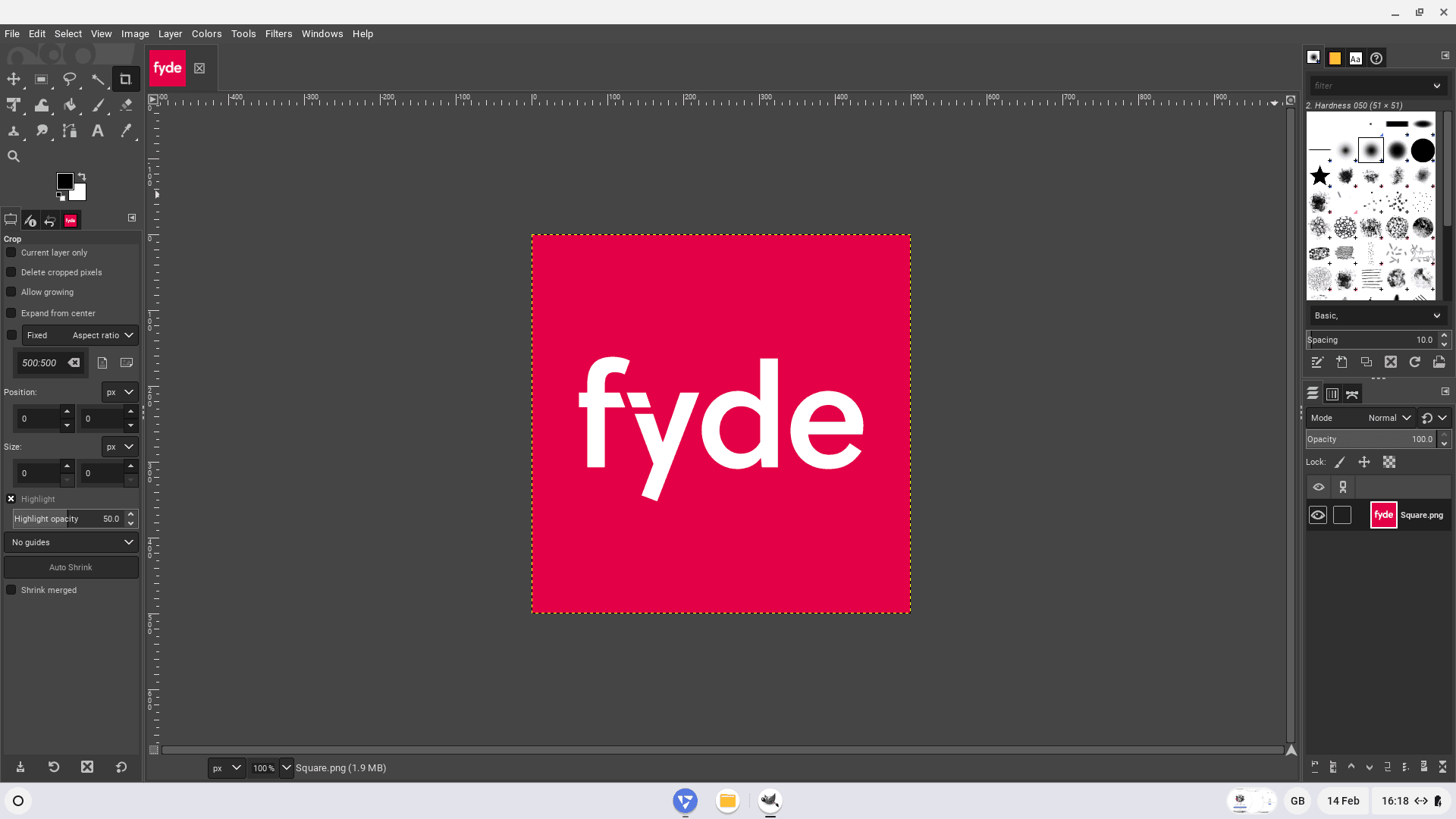
This is the "Power Layer". With one toggle in your Settings, FydeOS spins up a secure Linux container (Debian). This isn't a scary command-line interface (unless you want it to be); it allows you to run full desktop-class software.
If you need a professional photo editor like GIMP, a full code editor like VS Code, or a desktop suite like LibreOffice, this is where you will find them. Because it runs in a sandbox, it is incredibly secure—even if you break something inside Linux, your main FydeOS system remains safe.
- Use the Linux version for: Integrated Development Environments (IDEs), professional image and audio editing software, full-featured desktop office suites, and local server hosting.
The Cheat Sheet: Which Should I Choose?
Still not sure? Here is a quick decision matrix to help you decide.
| If you want to... | Choose this Universe | Why? |
|---|---|---|
| Watch Netflix at home | Web | Higher resolution (1080p/4K) and no battery drain from emulation. |
| Watch Netflix on a plane | Android | Allows you to download episodes for offline viewing. |
| Join a Zoom Call (PWA) | Web | Google and Zoom have optimised the web app (PWA) specifically for Chromium. It is faster and more stable. |
| Edit a Photo (GIMP) | Linux | Web editors are good, but GIMP offers professional layers and tools. |
| Check Social Media | Android | Apps like Instagram are designed for vertical scrolling; the web version can feel clunky. |
| Write an Essay | Web | Google Docs or Word Online saves automatically and loads instantly. |
Conclusion
FydeOS adapts to you, not the other way around. You don't have to stick to one universe; you can have a Linux terminal, an Android game, and a Web browser open side-by-side on the same desktop.
Experiment with what works best for your workflow. And remember, by choosing the right tool for the job, you aren't just being more productive — you're getting the absolute most out of your hardware.
New to FydeOS? Join our community forum to share your setup and ask questions!